| android | ||
| assets | ||
| components | ||
| ios | ||
| layouts | ||
| middleware | ||
| mixins | ||
| objects | ||
| pages | ||
| plugins | ||
| screenshots | ||
| static | ||
| store | ||
| .editorconfig | ||
| .gitignore | ||
| capacitor.config.json | ||
| nuxt.config.js | ||
| package-lock.json | ||
| package.json | ||
| readme.md | ||
| Server.js | ||
| tailwind.config.js | ||

Audiobookshelf Mobile App
AudioBookshelf is a self-hosted audiobook server for managing and playing your audiobooks.
Get the Android app on the Google Play Store
Go to the main project repo github.com/advplyr/audiobookshelf
Currently in Beta - Requires an Audiobookshelf server to connect with

Contributing
Windows Environment Setup
Required Software:
- Git
- Node.js
- Code editor of choice(VSCode, etc)
- Android Studio
Install the applications with winget
Note: This requires a PowerShell prompt with winget installed. You should be able to copy and paste the code block to install. If you use an elevated PowerShell prompt, UAC will not pop up during the installs.
winget install -e --id Git.Git; `
winget install -e --id Microsoft.VisualStudioCode; `
winget install -e --id  Google.AndroidStudio; `
winget install -e --id OpenJS.NodeJS --version 16.12.0; #v17 has issues with openssl
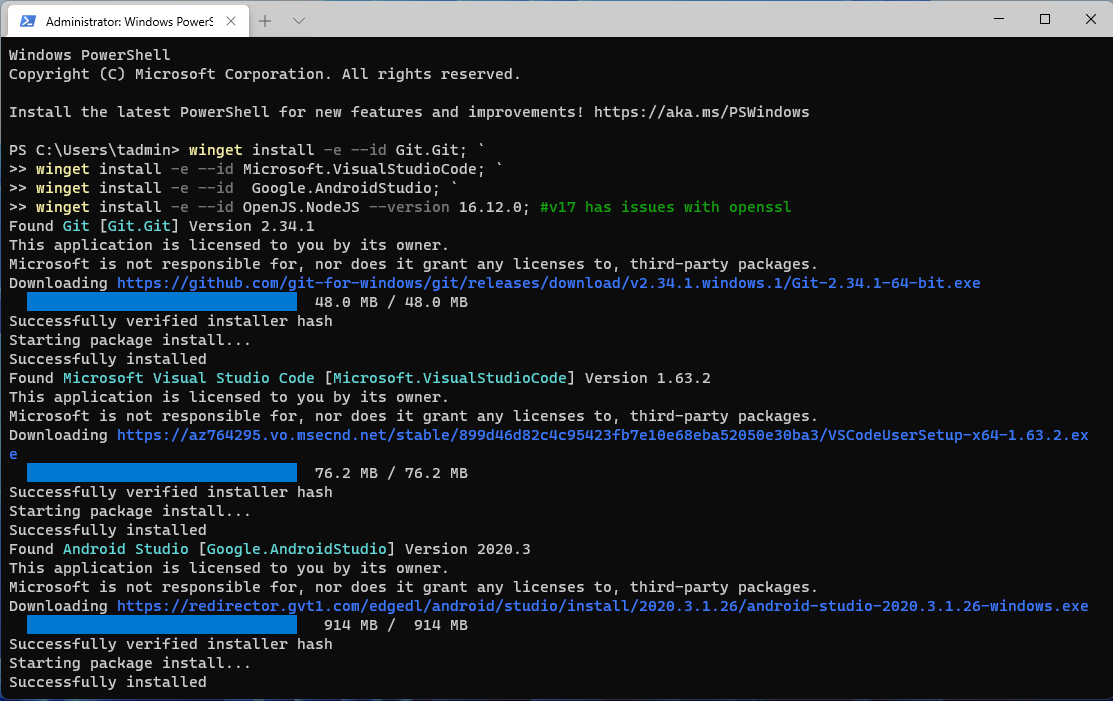
Your Windows environment should now be set up and ready to proceed!
Mac Environment Setup
Required Software:
Install the applications with homebrew
brew install android-studio node
Start working on the project
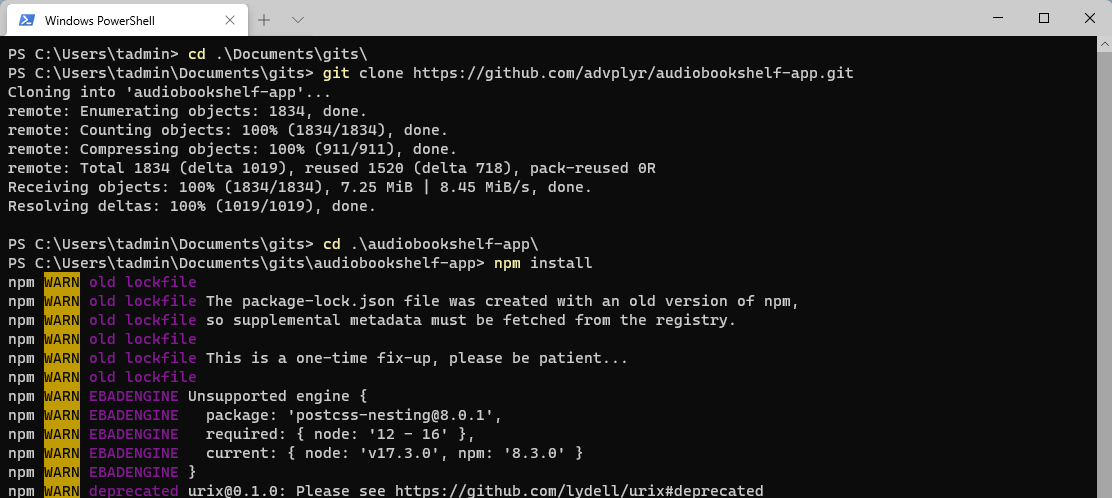
Clone or fork the project from cmd or powershell and cd into the project directory.
Install the required node packages:
npm install
Expand for screenshot
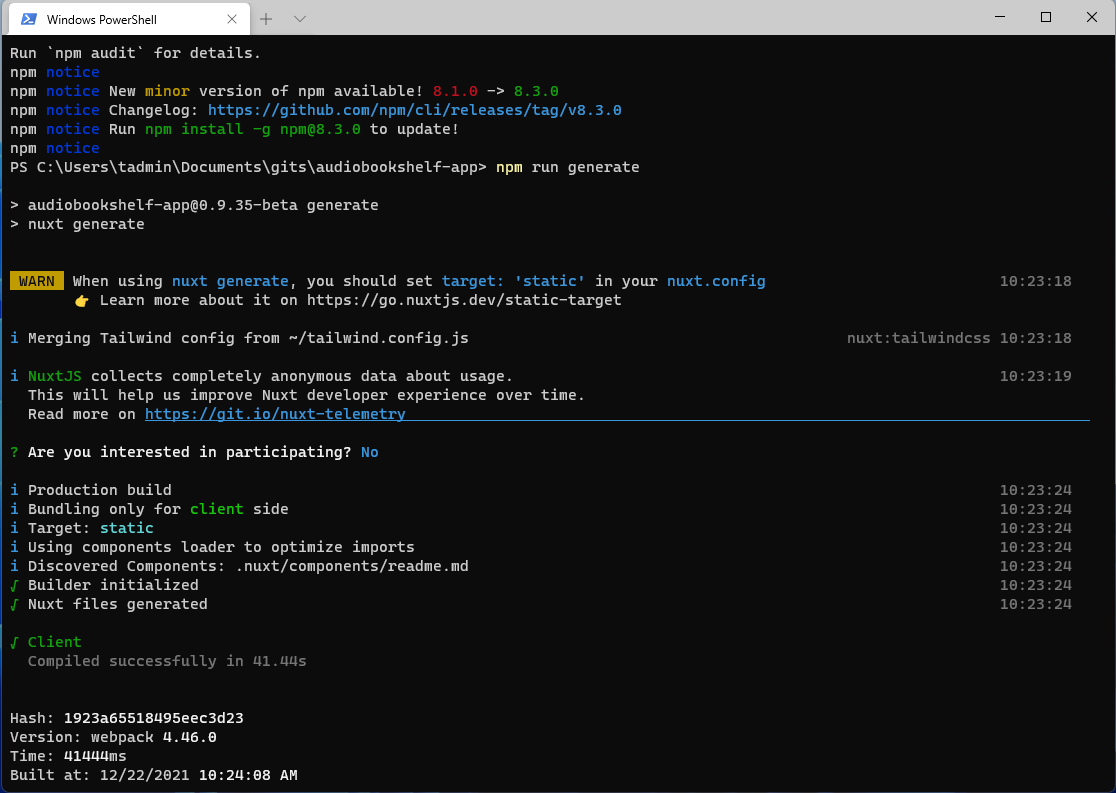
Generate static web app:
npm run generate
Expand for screenshot
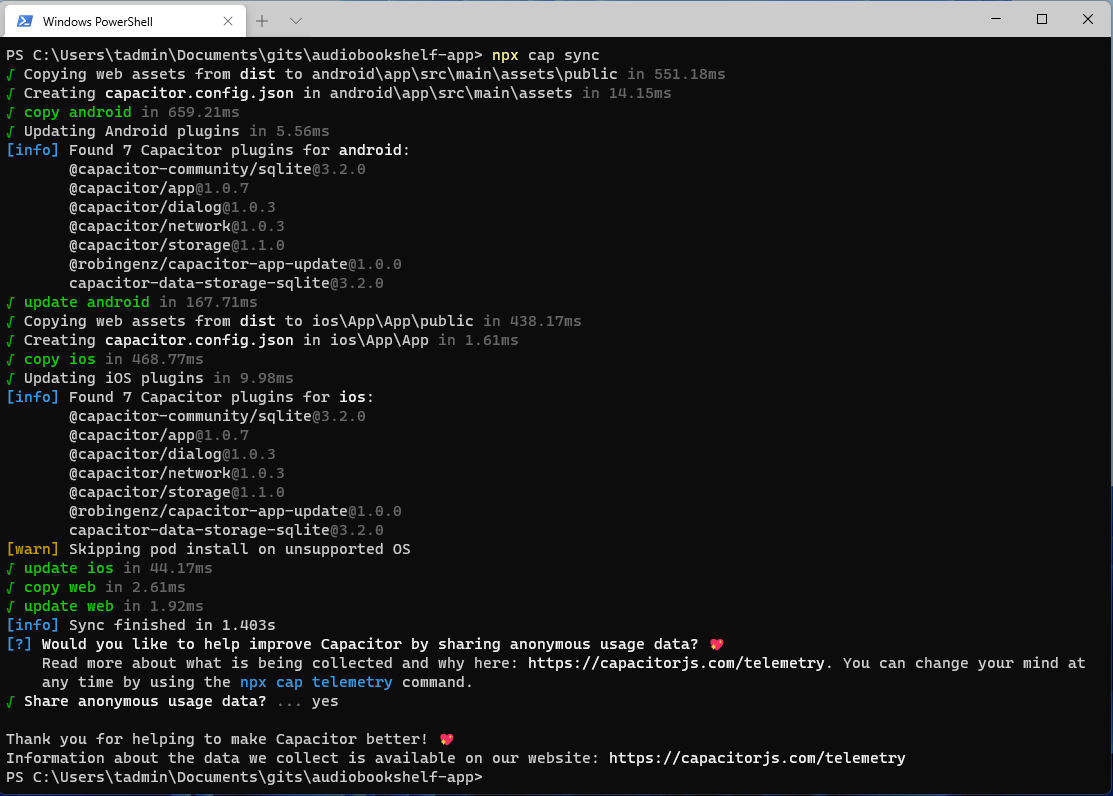
Copy web app into native android/ios folders:
npx cap sync
Expand for screenshot
Open Android Studio:
npx cap open android
Expand for screenshot

Start coding!