
3.8 KiB

resumd
a recent apps overlay for rooted android tv



what it does
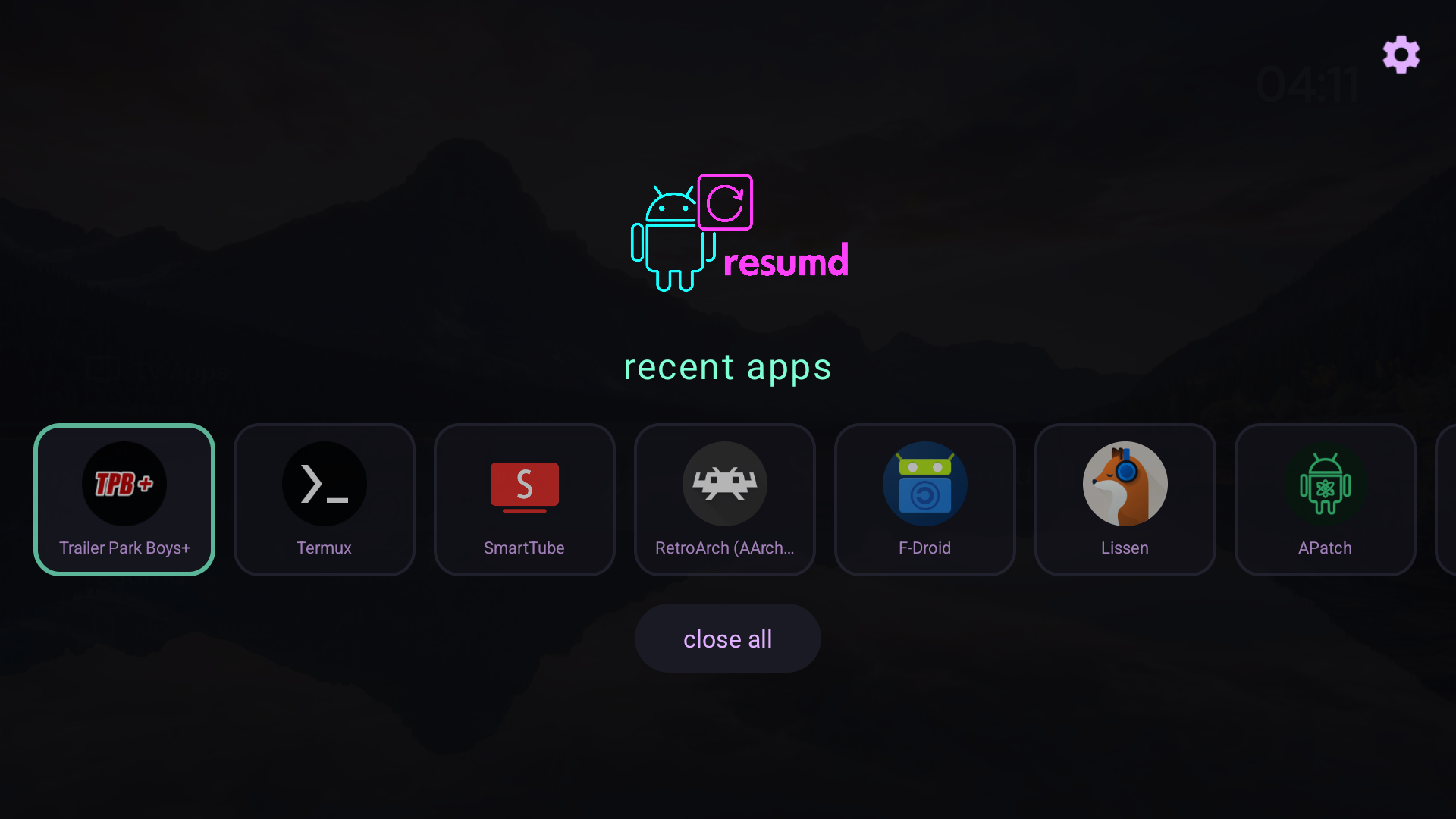
resumd gives you a clean, cyberpunk-styled recent apps menu on android tv. stock android tv removed the ability to see and manage recent apps from third-party launchers. resumd brings it back - with root.
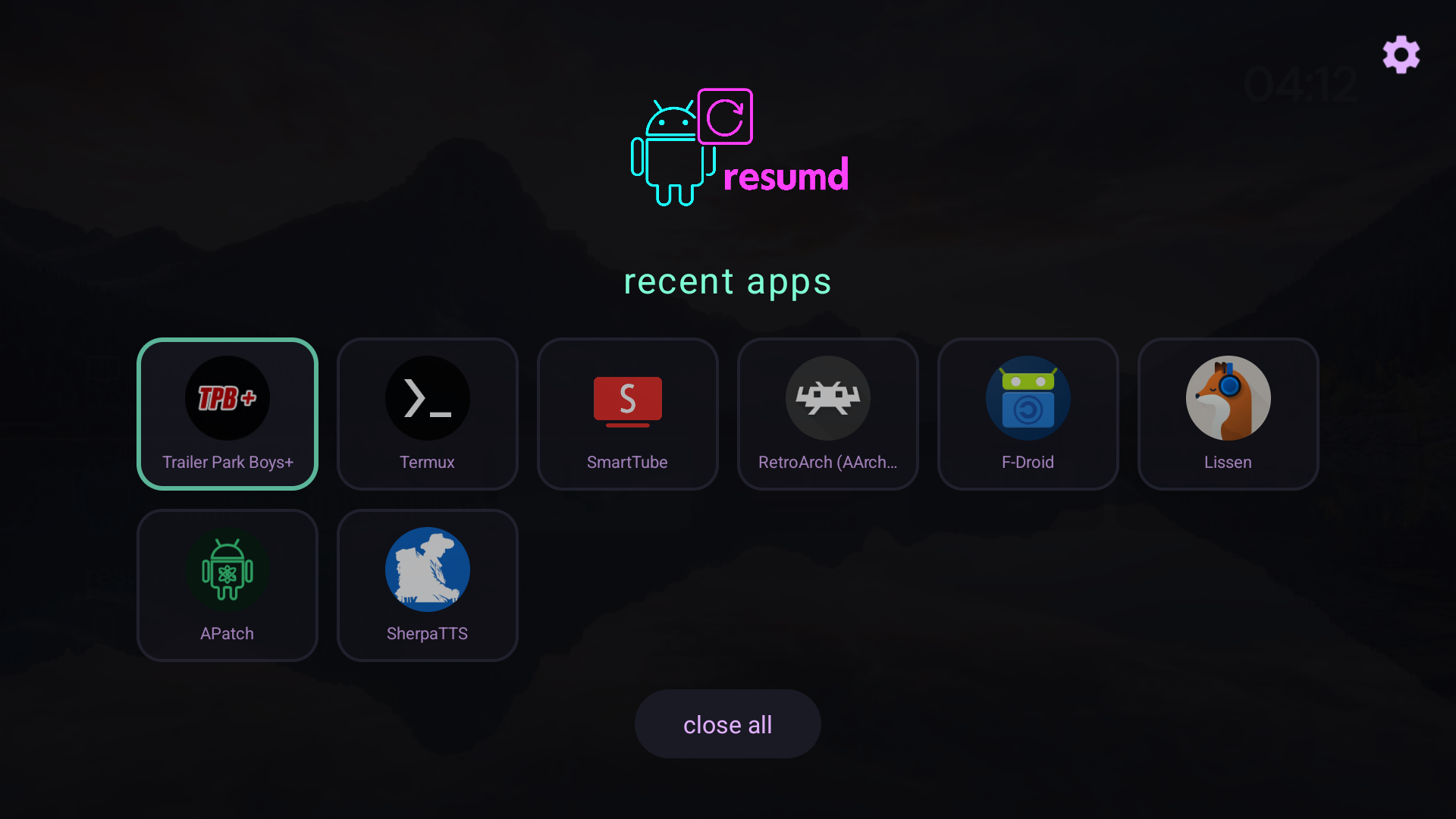
- view recent apps - see what's running in the background
- quick switch - tap to launch, hold for options
- pin apps - protect apps from "close all"
- close apps - force stop and remove from recents
- close all - nuke everything (except pinned)
- grid or row mode - your choice
- custom trigger - hold back, double-tap menu, whatever you want
requirements
- rooted android tv (magisk recommended)
- android 9+ (tested on android 15 / lineageos 22)
the app uses su -c dumpsys activity recents to read recent apps and su -c am force-stop to close them. without root, these commands are blocked.
installation
from f-droid (self-hosted)
add this repo to your f-droid client:
repo url: https://sudoxnym.github.io/resumd-fdroid/
- open f-droid → settings → repositories
- tap "+" to add repository
- paste the url above
- refresh and search for "resumd"
official f-droid
submission pending
manual install
- download the latest apk from releases
adb install resumd.apk- open resumd from your launcher
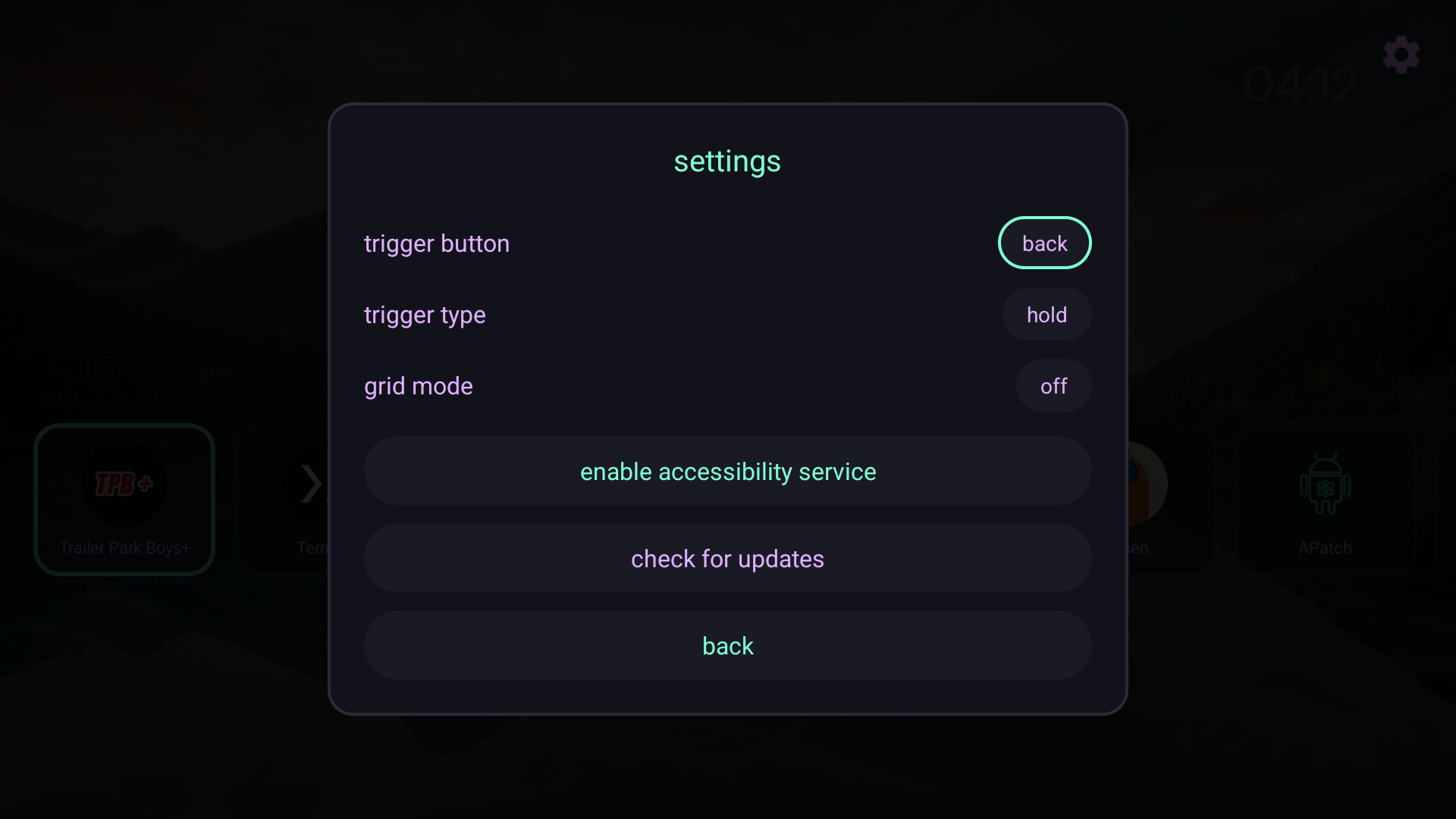
- go to settings (gear icon, top right)
- set your trigger button and type
- click "enable accessibility service"
- enable "resumd" in the accessibility settings
usage
| action | result |
|---|---|
| tap app | launch it |
| hold app | pin/close menu |
| down | select "close all" |
| up | select settings cog |
| trigger button | open resumd from anywhere |
trigger options
- button: any key on your remote (back, menu, tv, play, etc.)
- type: hold or double-tap
note: home button can't be used as a trigger - android intercepts it before apps can see it.
rooting your shield
if you're on an nvidia shield tv 2019 pro and need root, check out the guide:
covers unlocking bootloader, flashing lineageos + microg, and installing magisk. the two-step magisk process is the key - twrp flash first, then direct install from the app.
building
git clone https://github.com/sudoxnym/resumd.git
cd resumd
./gradlew assembleDebug
apk will be at app/build/outputs/apk/debug/app-debug.apk
colors
resumd uses a cyberpunk palette:
| color | hex | use |
|---|---|---|
#7fffd4 |
accent, titles | |
#e0b0ff |
secondary text | |
#ff6b9d |
logo, highlights | |
#0a0a0f |
background |
license
GPL-3.0 - do whatever, keep it open.
made by [sudoxnym](https://sudoxreboot.com) ⚡